Storage
Browse Cloud Storage for Firebase from your phone
Browse buckets and folders, preview images, and manage files in Cloud Storage for Firebase — natively on iOS and iPadOS.
Cloud Storage for Firebase holds the user-generated content your app stores — images, documents, and other files. Firedeck gives you a native file browser so you can check what’s in a bucket or pull a file without a laptop.
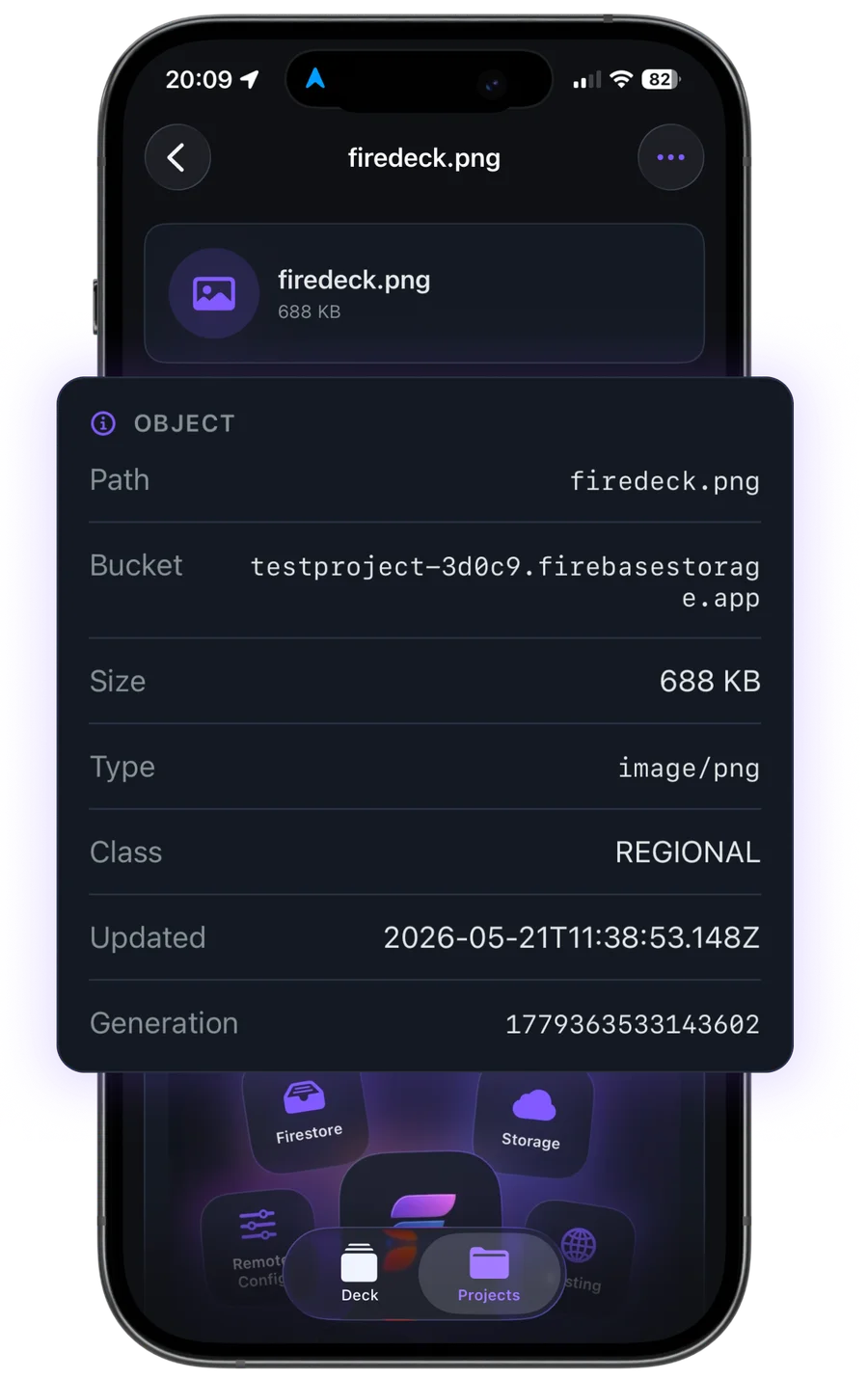
Image files preview inline, so you can confirm an upload looks right straight from your phone.
- Browse files
- Preview images
- Upload
- Download
- Organize
What you can do with Storage
Browse buckets
Navigate buckets and folders the same way you’d browse a file system.
Preview files
See image previews inline, plus size, content type, and timestamps for any object.
Download
Pull a file down to your device and share it with the iOS share sheet.
Upload
Add files to a bucket directly from your device.
Organize
Move through the folder structure and manage objects where they live.
Your data stays yours
Firedeck is fully client-side. There is no backend and no proxy — every request goes directly from your device to Google’s first-party Firebase APIs, authenticated with your own Google sign-in. Your tokens are stored only on your device, never on a server.
Frequently asked questions
Can I preview images stored in Firebase from my phone?
Yes. Image objects preview inline in Firedeck, alongside their size, content type, and timestamps.
Can I upload files to Cloud Storage?
Yes. Firedeck can upload files to a bucket from your device. Uploads are part of Firedeck Pro.
Can I download a file?
Yes. Firedeck downloads objects straight to your device, and you can share them with the iOS share sheet.