Cloud Functions
Monitor Cloud Functions on iOS
List your functions, check runtimes and regions, test invocations, and keep an eye on errors from your device.
Cloud Functions for Firebase run your backend code in response to events and HTTPS requests. When something spikes or breaks, Firedeck gives you a quick read on the state of your functions without opening the console on a laptop.
Firedeck supports both 1st-gen Cloud Functions and 2nd-gen functions running on Cloud Run.
- List functions
- View runtime & region
- Test invocations
- Error monitoring
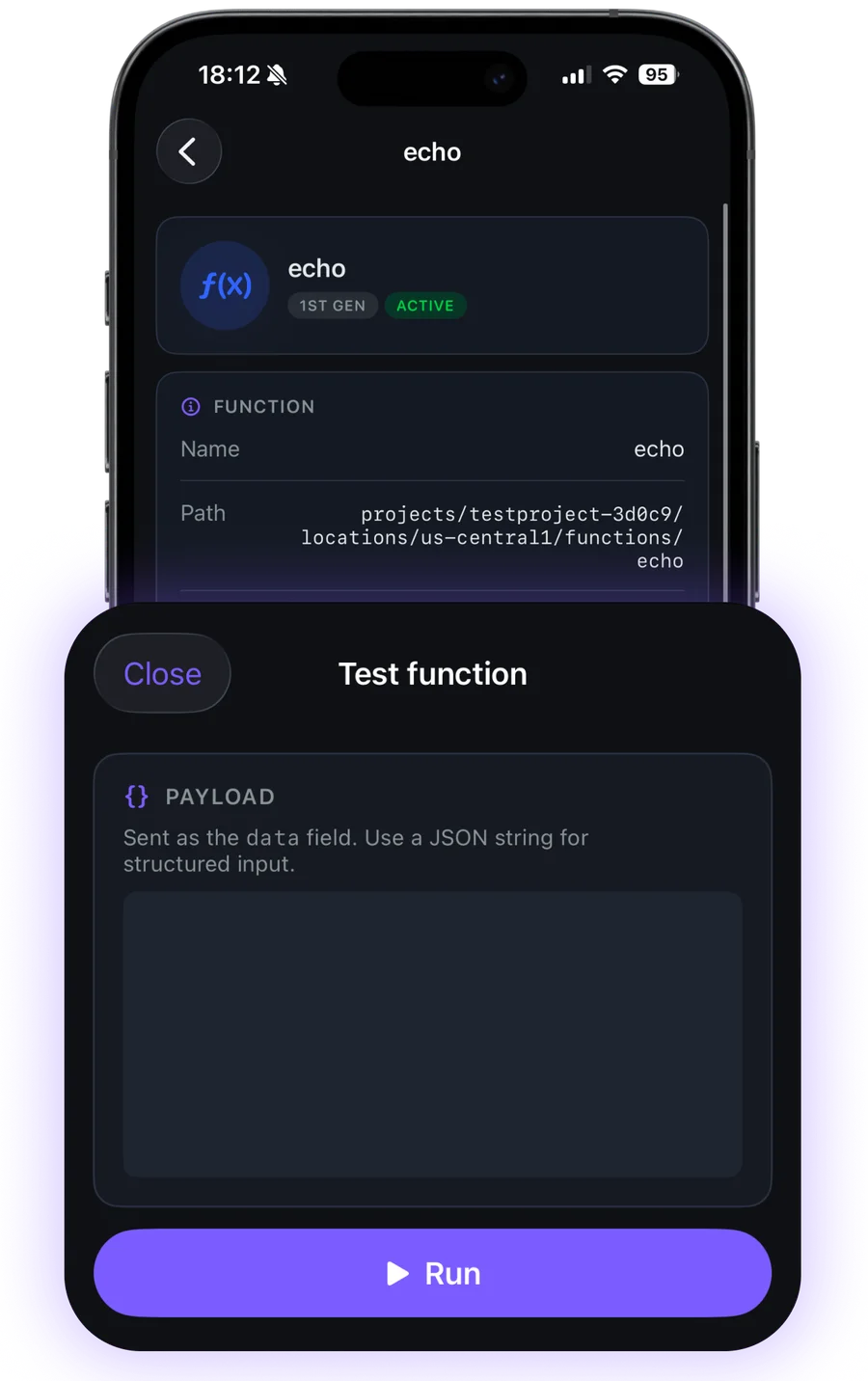
What you can do with Cloud Functions
List functions
See every deployed function across your project at a glance.
Runtime & region
Check each function’s runtime, region, memory, and timeout.
Test invocations
Call a function directly from your phone to verify it responds.
Error monitoring
See recent error counts and log entries so you know which function needs attention.
Your data stays yours
Firedeck is fully client-side. There is no backend and no proxy — every request goes directly from your device to Google’s first-party Firebase APIs, authenticated with your own Google sign-in. Your tokens are stored only on your device, never on a server.
Frequently asked questions
Can I see my Cloud Functions on my phone?
Yes. Firedeck lists your deployed functions with their runtime, region, and configuration.
Does Firedeck support 2nd-gen functions?
Yes. Firedeck covers both 1st-gen Cloud Functions and 2nd-gen functions that run on Cloud Run.
Can I see errors?
Yes. Firedeck surfaces recent error counts and log entries per function so you can spot which one needs attention.